
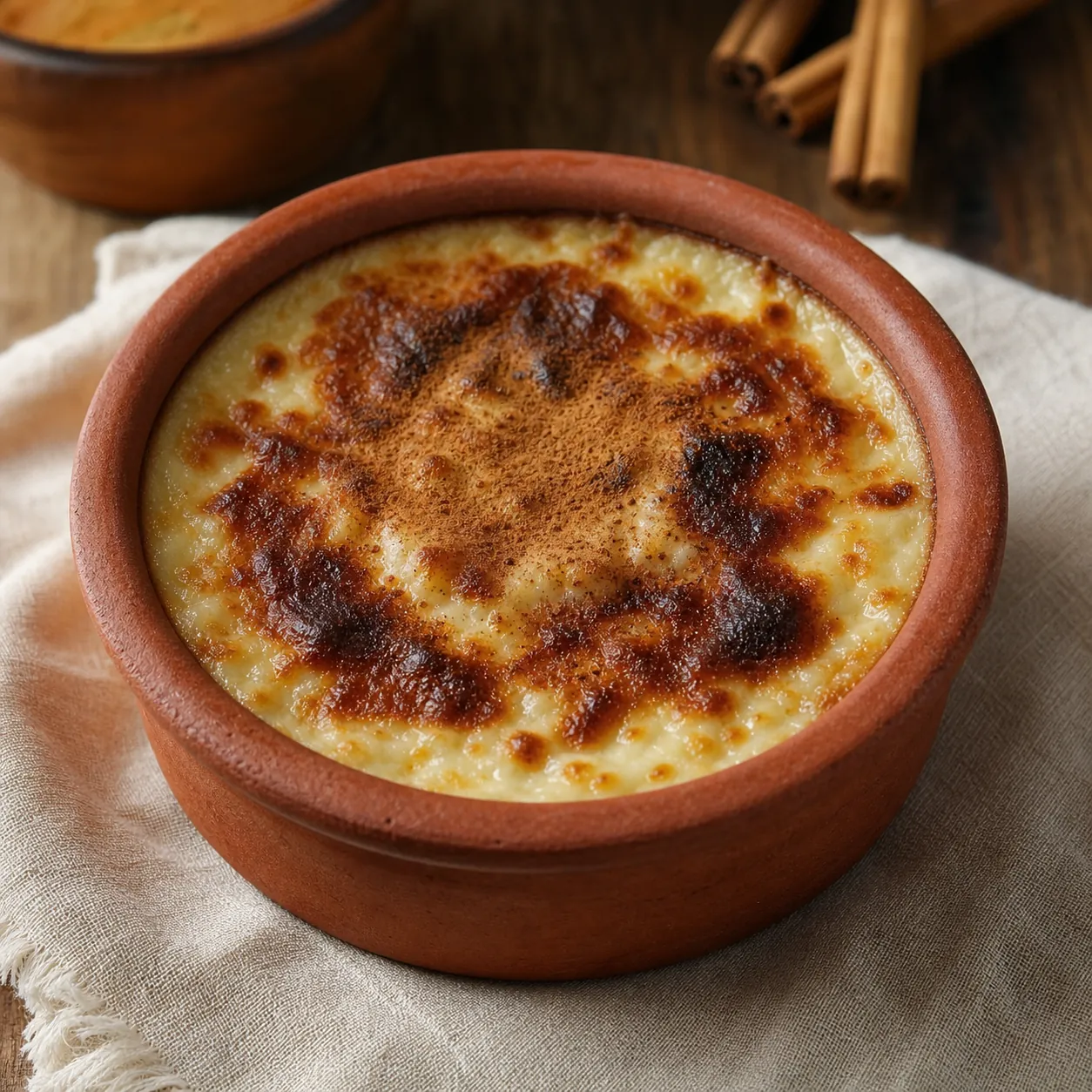
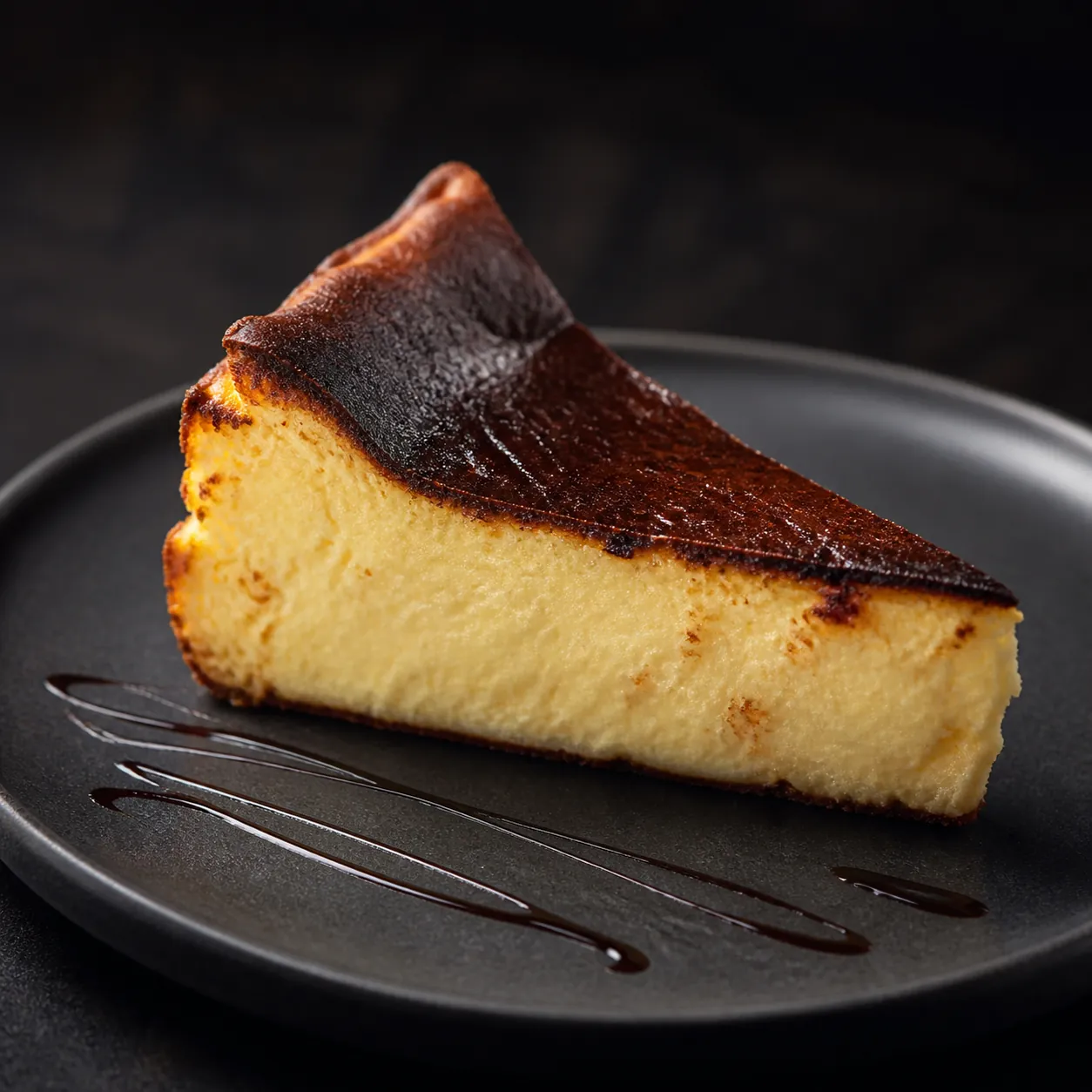
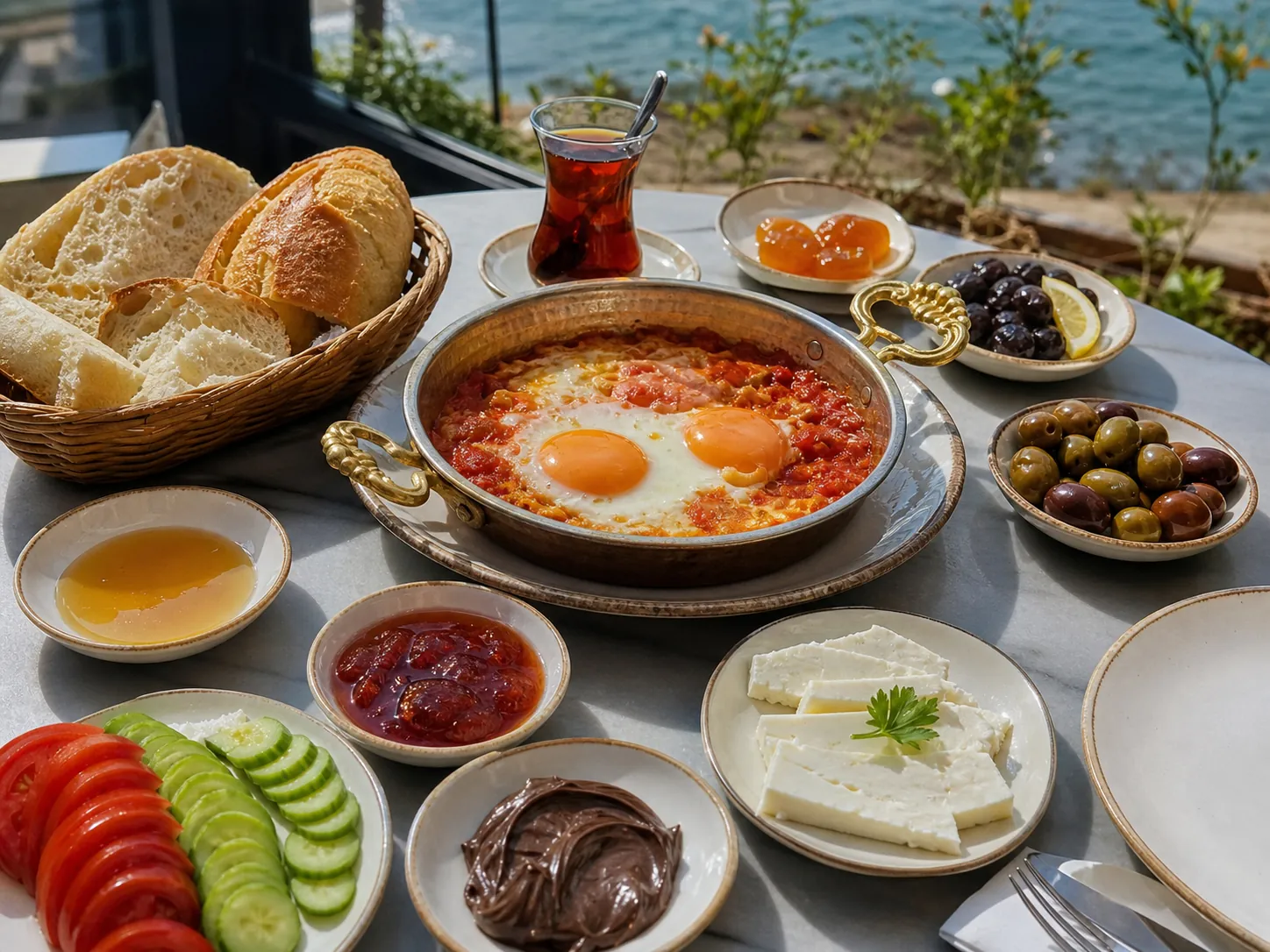
Coffee, dessert and breakfast menu
Browse the current menu, prices and availability.
Browse the current menu with ingredients, preparation time, options and prices.
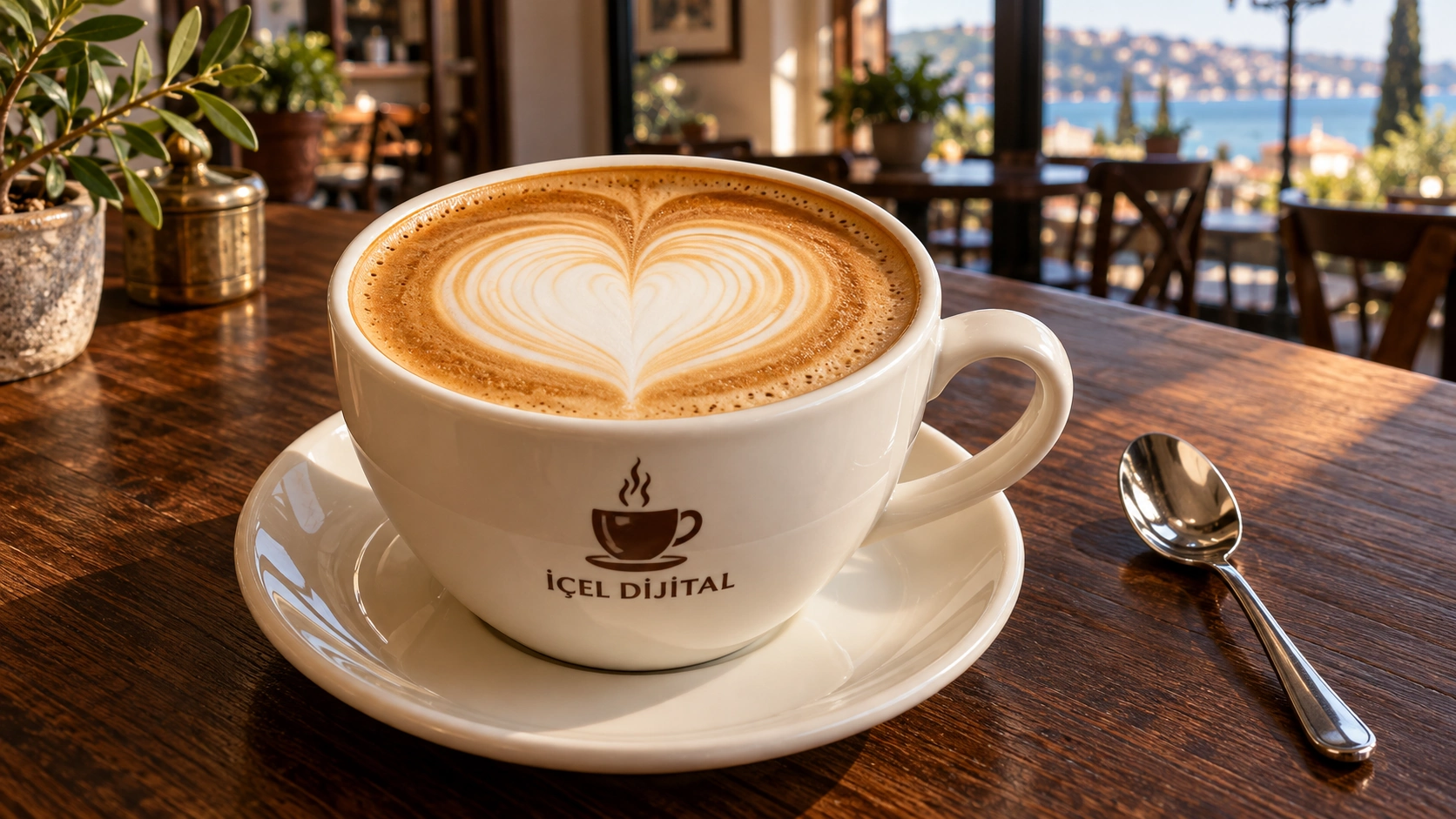
Icel Digital · a cup of creativityOriginal 3D scene · representative model
-
-

-

-

-
-
-
8items
EXPLORE
See it, choose it. Your menu is with you.
Check each item’s ingredients and current price, and gather your choices in a visible basket.
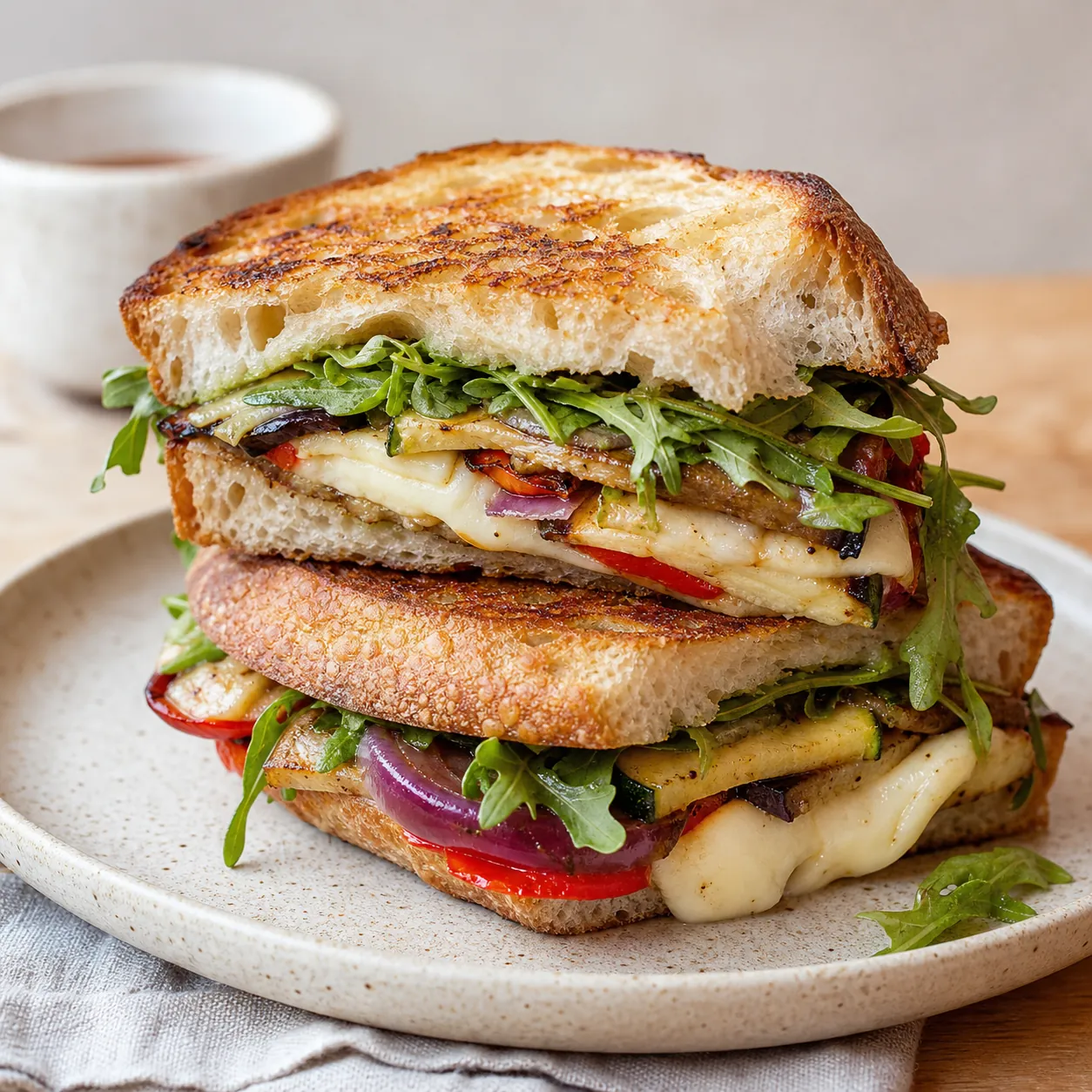
Representative industry image · Café
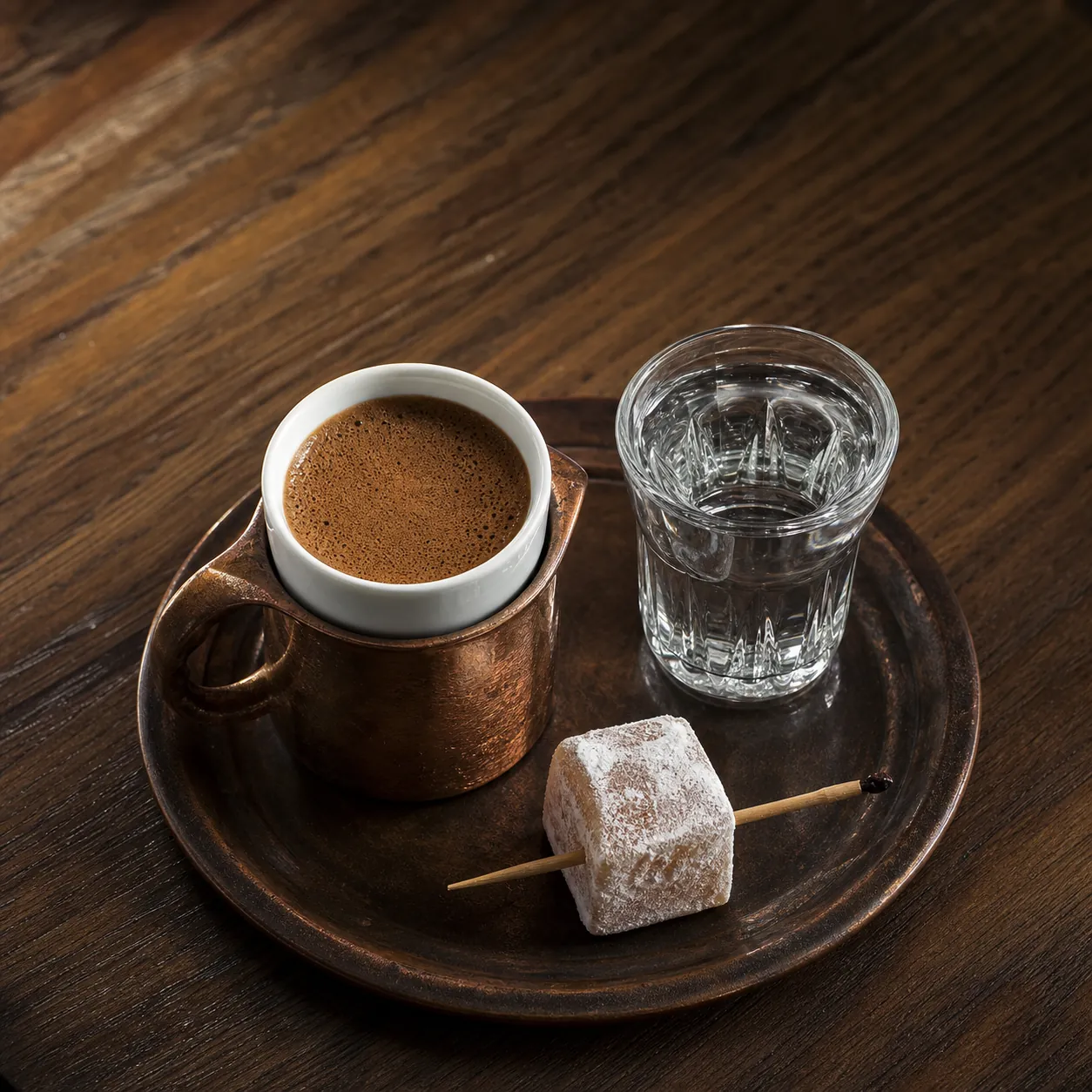
Turkish Coffee
$2.50- Ingredients
- Freshly ground Turkish coffee and water
- Preparation
- 6–8 min
QR menu for cafés and restaurants
Keep items, prices and the “sold out” status up to date for customers.
Open the QR menu on your phone, switch between categories, search by item name and see current prices. When you add your table number, your request is sent with the right table.
Photo gallery
Explore the products and café seating areas in photos.
Separate photos show the menu items, their presentation and the seating areas.




Before you decide
Frequently asked
Read frequently asked questions about availability, current prices, ingredients and contact options.
What is shown on the item card?
Item name, category, price, availability and a suitable image are the basics. A short description or options are added only if needed.
Does the QR code change when prices change?
No. Even when menu prices change, the printed QR code keeps opening the same menu address.
Is a sold-out item removed from the menu?
The business can show an item as sold out or hide it temporarily; the item can be reused later.