QR menus for cafés and restaurants
Open the QR menu on your phone, switch between categories, search by item name and see current prices. When you add your table number, your request is sent with the right table.
Category and quick search
Coffees, cold drinks, breakfasts or desserts are grouped as on the business’s real menu; visitors can search by item name.
Item, price and availability
Item name, image, price and available/sold-out status are clear at a glance. If there is a discount, old and new prices are shown without confusion.
Permanent QR link
The printed QR code keeps opening the same web address. When the menu is updated in the panel, the code on the table does not need reprinting.
Extra information as needed
Size, milk options or a short description are added only if the business wants them; unnecessary details are never required to publish a product.

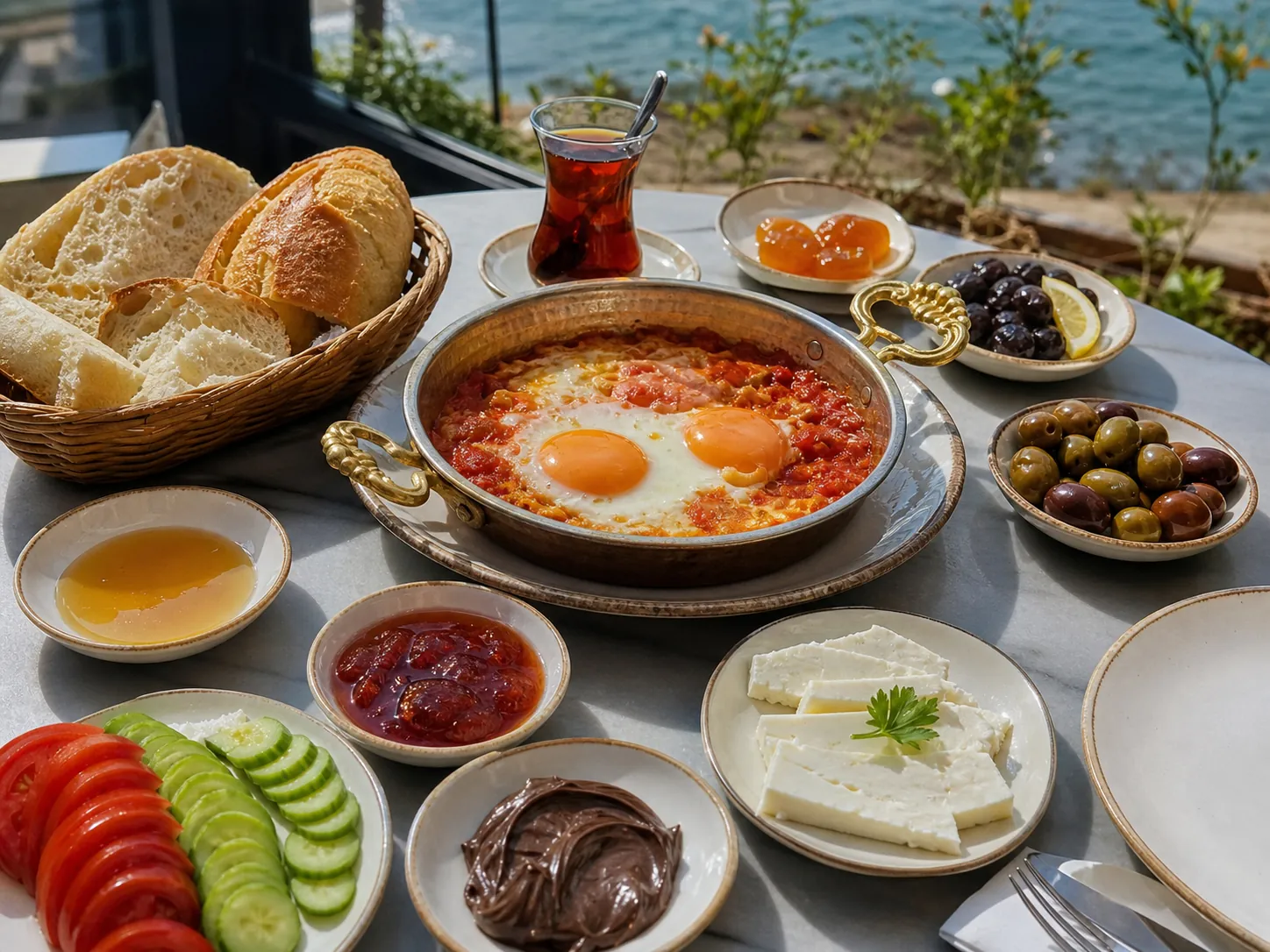
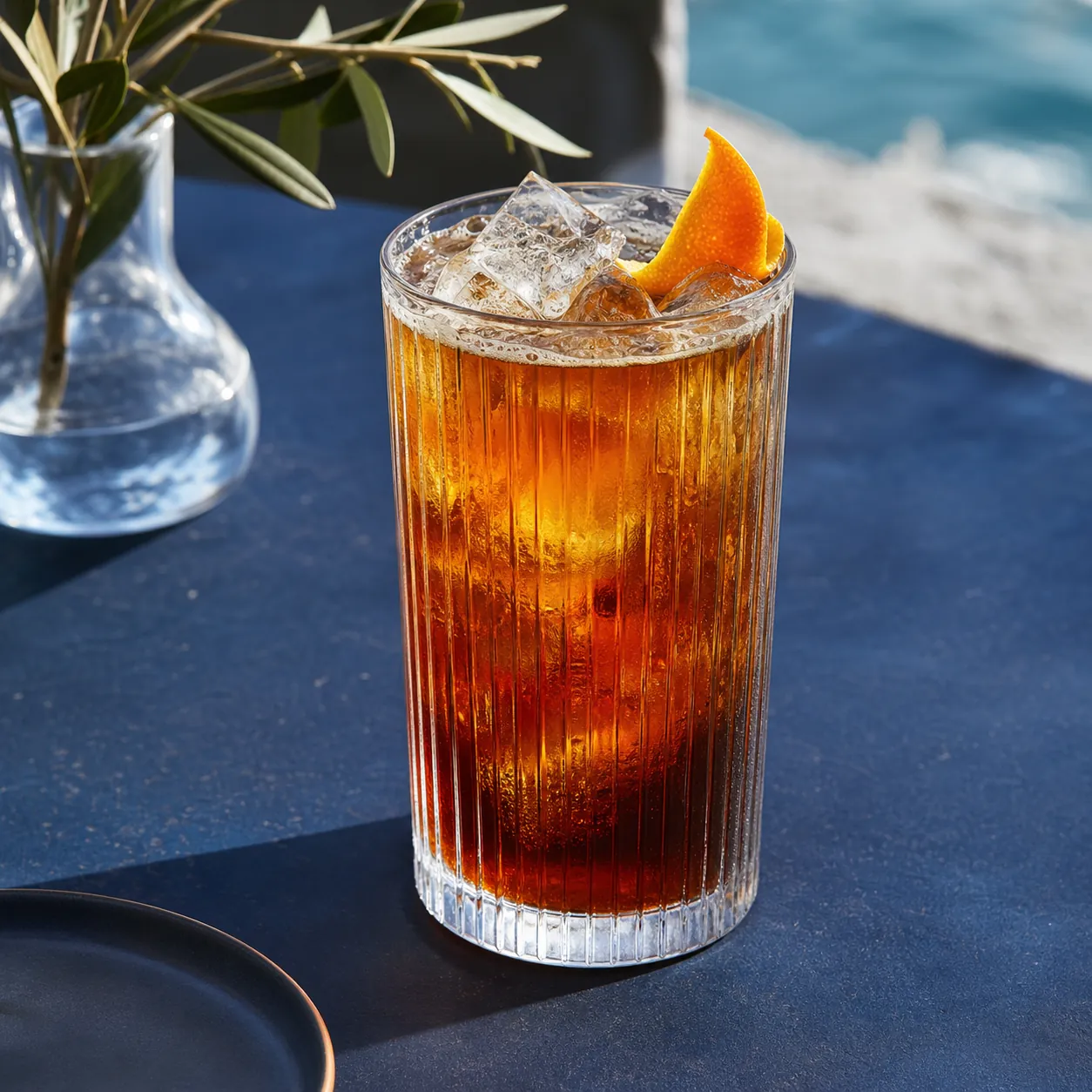
Visitor and business work from the same up-to-date information.
Add the item with its basic details
Item name, category, image, price and availability form the core of the menu. Descriptions and other extra fields are used only when needed.
Update your menu daily
Price changes and the sold-out flag are saved in a few clear fields; the QR link and page design stay the same.
Guide customers to the right action
After browsing the menu, the business can offer calling a waiter, WhatsApp, phone or a request that includes the table number.
What can be changed in the panel?
Category, item name, image, price, promotion and available/sold-out status are managed in the café panel. Short description and option fields are optional; leaving them empty does not block publishing.
What is agreed before the project starts?
Category structure, table QR layout, whether orders are taken, contact method, required product fields and any payment integration are set according to how the business actually serves.
What to know before you decide.
What is shown on the item card?
Item name, category, price, availability and a suitable image are the basics. A short description or options are added only if needed.
Does the QR code change when prices change?
No. Even when menu prices change, the printed QR code keeps opening the same menu address.
Is a sold-out item removed from the menu?
The business can show an item as sold out or hide it temporarily; the item can be reused later.
Canlı sektör demosunu inceleyin İşletmeniz için kapsamı görüşün
See it, choose it. Your menu is with you.
Check each item’s ingredients and current price, and gather your choices in a visible basket.
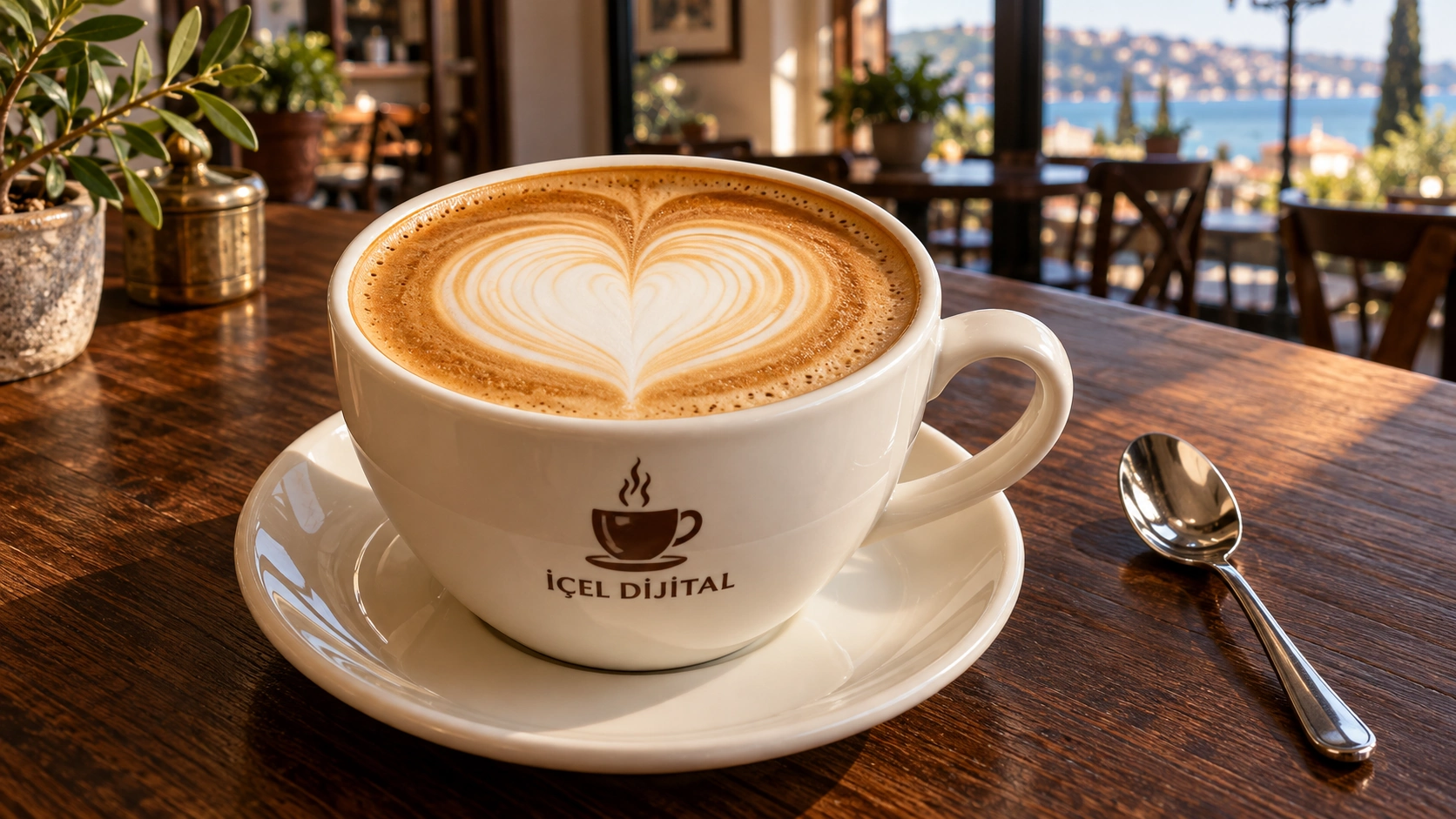
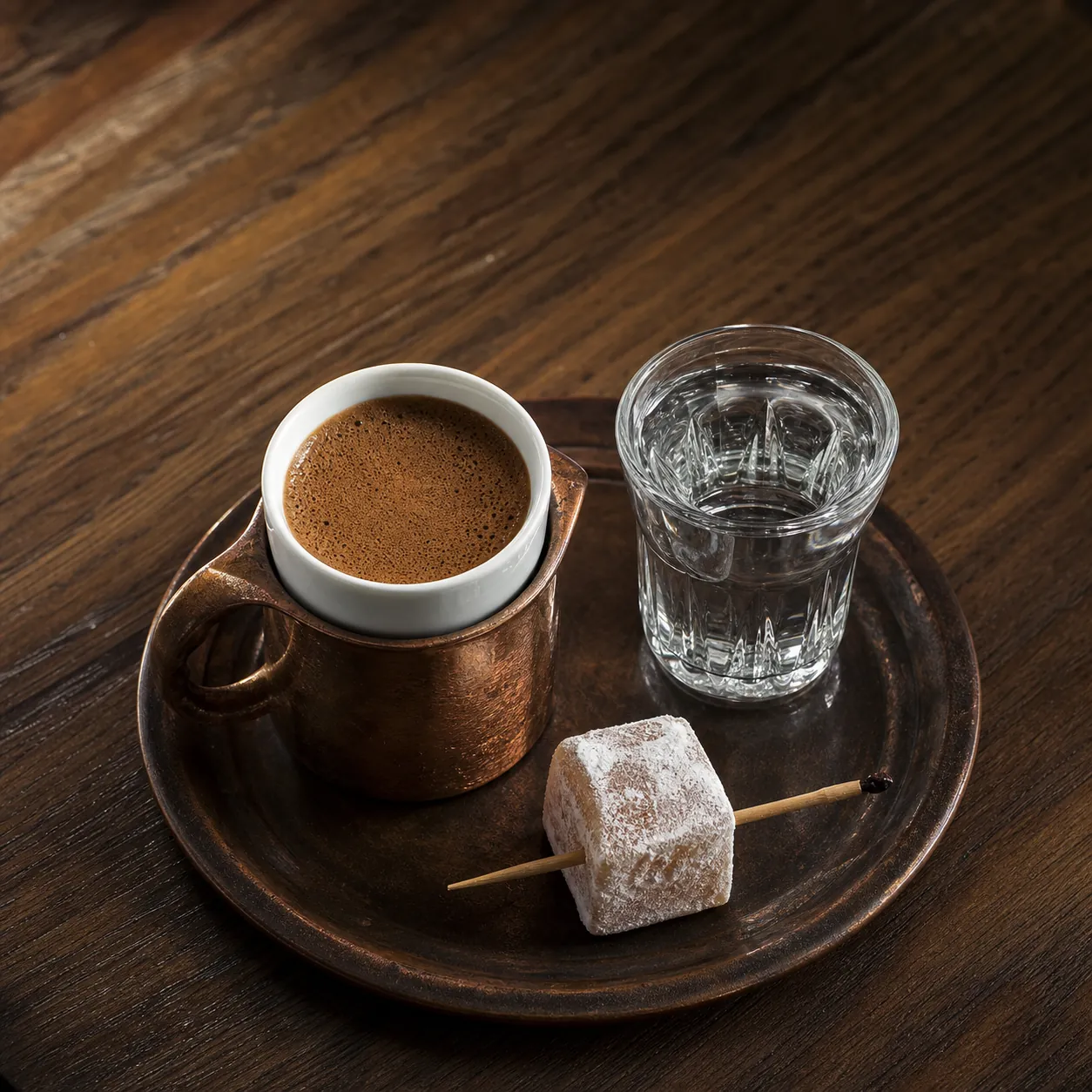
Turkish Coffee
$2.50- Ingredients
- Freshly ground Turkish coffee and water
- Preparation
- 6–8 min