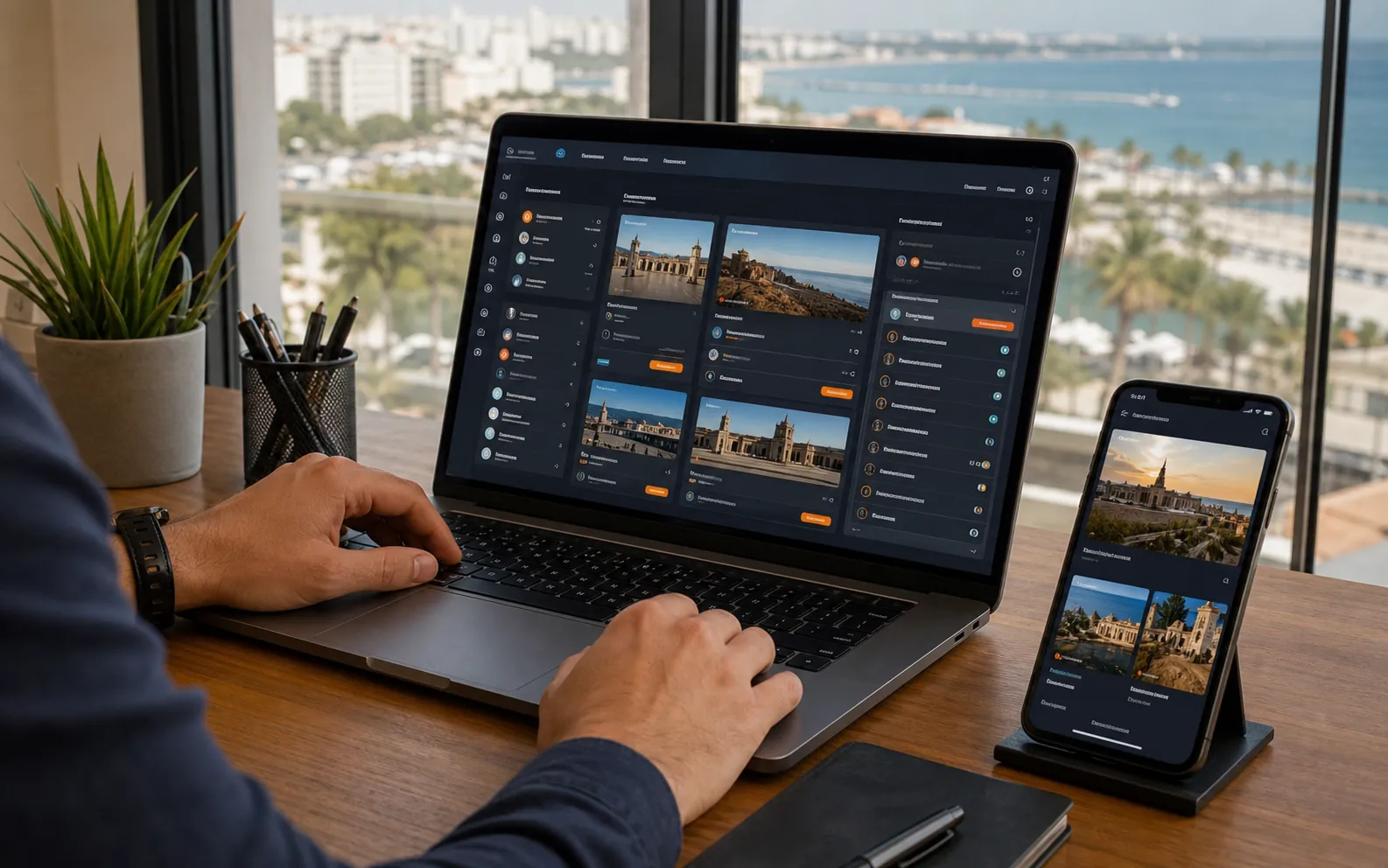
Management Panel
The management panel lets you update frequently changing website information without a developer. Listing, product, price, image, availability and status fields are chosen to suit your business; unused fields do not clutter the screen.
How does the panel make daily work easier?
The information your customers see on the website and the record you manage in the panel share the same source. Changing a price, image or status does not mean rebuilding a separate page. You can keep a record as a draft, publish it when ready and return it to draft when you temporarily want to hide it.
- An estate agency updates listings, prices and whether a property has been sold or let.
- A car dealer manages vehicle details, inspection notes and sale status.
- A café changes product names, categories, prices, images and availability.
- A learning center, football venue, event venue or service business edits its own programs, sessions, packages or service records.
Each customer account sees only its own site
Each customer added to the central administration area can access only their assigned business website and permitted sections. Other customers’ records, images and enquiries are not shown in that account. The Icel Digital administrator assigns permissions; a user with viewing access cannot save changes.
Clear warnings appear before you save
The fields needed for publication differ by industry. If required information is missing, the panel tells you which field to complete. Optional details are kept separate. A café does not have to enter unnecessary information to publish a product, while a vehicle listing still covers details that affect a buyer’s decision, such as make, model, mileage and condition.
What is prepared for handover?
The panel’s scope is written down before the project starts. Together, we define who can change what, which fields are required, how images should be prepared and how changes reach the live website. Before handover, critical steps such as adding and editing records, drafts, publication, search, filters and undo are tried with real examples on phones and computers.
Who can change what?
Business manager
Title, description, price, status, images, availability and sector-specific fields.
Icel Digital
Layout, typography, mobile breakpoints, validation, accessibility and performance rules.
Role limits
Each client sees only their own industry records and requests.
Safe changes
Required fields, image focus points and controlled options keep the design intact.